
Too Many Tabs? How to Simplify Your Restaurant Marketing Tools
Too many restaurant marketing tools? Use this keep, merge or cut audit to build a simpler marketing stack and update everything once.

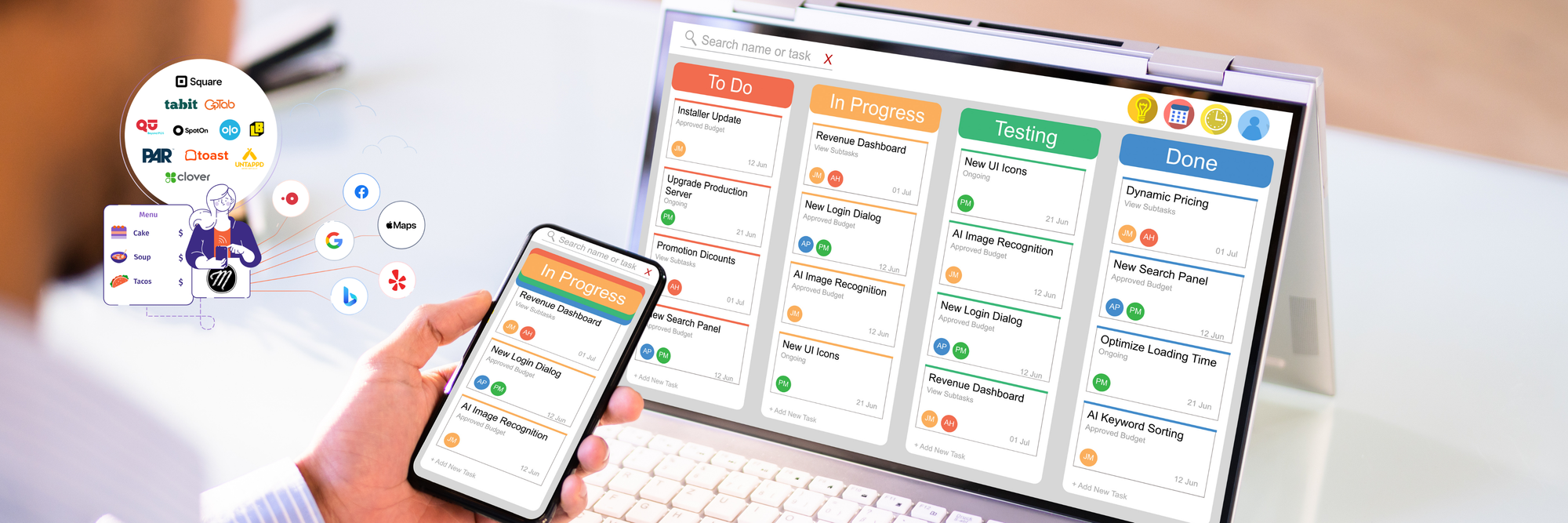
It's Tuesday afternoon. You change your holiday hours in the POS. Then on Google. Then on Yelp. Then on the website your agency built. Then in the other SEO tool that someone signed you up for last spring.
Every tool made sense when you bought it. Together, they can start to feel like a full-time job. The good news: you don't need a big rebuild. You need a short audit and one source of truth.
Your stack isn't just a set of subscriptions. In the wrong combination, it's a pair of handoffs.
A guest checks your hours on Google, your menu on Apple Maps, and your reviews on Yelp before they ever walk through your front door. Every handoff between your POS, your listings, your website, and your reviews is a place where the right answer can get lost.
That's why 84% of diners researching menus online before deciding where to eat is good news if your information is right, and a lot of extra work if it lives in six places. The goal isn't fewer tools for the sake of it. It's fewer places to be wrong.
Step 1: List every place a guest-facing fact lives
Grab a coffee and a spreadsheet. For hours, menus, specials, ordering links, and photos, write down every place each one is entered or edited: the POS, Google, Yelp, Facebook, Apple Maps, your website, your delivery apps, your agency's dashboard.
Most operators find the same thing. The same menu change gets typed in three or four places, by two or three different people, for each location.
Step 2: Mark each tool keep, merge, or cut
For every tool on the list, ask three questions:
- Does someone on your team own it? A tool nobody opens isn't a tool. It's a monthly charge with no function.
- Does it do a job nothing else does? If two tools post the same update to the same place, one of them is a merge or a cut.
- Will your store teams actually use it? Adoption beats features. The simplest workflow usually wins, especially across several locations or franchise partners.
Step 3: Pick one source of truth
This is where the time comes back. Update your hours, menu, and specials in one place, and let that place push them everywhere guests look. That's the idea behind Marqii Listings and Menu Management: update once, change everywhere, across Google, Yelp, Facebook, and Apple Maps through the Marqii Publisher Network. With a POS integration, menus can sync automatically.
The results speak for themselves. Sofia's Pizzeria saved 540 hours of menu updates, and Deschutes Brewery saved 200 hours a month.
Step 4: Check the handoffs once a quarter
Put a 20-minute reminder on the calendar each quarter. Search your restaurant the way a guest would. Do the hours match? Does the menu match what the kitchen is running? Do your reviews, Review Management, and your website tell the same story?
If you run multiple locations, Host location pages can pull hours and menus from the same dashboard, so your website stays in step without another login.
Start with the list
You don't have to cut anything this week. Just write the list. Once you can see where the same fact lives five times, the keep, merge, cut decisions get easy, and your team gets time back for the part of the job guests actually remember.
Curious what a simpler stack looks like for your locations? Schedule a demo and we'll walk through it with you.
More reading from Snooze COO Amy Hom: The Best Restaurant Technology Is the Kind You Hardly Notice.